Table of Contents
OpenArt AI: A Deep Dive into the Future of Creative Expression
The explosion of AI-powered creative tools has been nothing short of revolutionary. Among these groundbreaking platforms, OpenArt AI has emerged as a significant player, offering a comprehensive suite of features for artists, designers, and anyone looking to bring their imaginative visions to life. This review aims to provide an in-depth look at OpenArt AI, exploring its capabilities, user experience, and what makes it stand out in the increasingly crowded AI art generator landscape.
What is OpenArt AI?
At its core, OpenArt AI is a powerful and versatile platform designed to democratize the creation of digital art. It leverages advanced artificial intelligence algorithms, primarily diffusion models, to generate images from text prompts. However, OpenArt AI is more than just a simple text-to-image generator. It aims to be a complete creative ecosystem, offering a range of tools and features that empower users to refine, control, and enhance their generated artwork.
Key Features and Capabilities
OpenArt AI boasts an impressive array of features that cater to both beginners and experienced AI art enthusiasts.
Text-to-Image Generation
The cornerstone of OpenArt AI is its robust text-to-image engine. Users can describe their desired image in detail, and the AI will generate multiple variations. What sets OpenArt apart is its emphasis on prompt engineering and the ability to fine-tune the output.
- Prompt Customization: Users have extensive control over their prompts, allowing for nuanced descriptions that influence composition, style, lighting, and subject matter.
- Model Variety: OpenArt AI offers access to various underlying AI models, each with its own strengths and artistic sensibilities. This allows users to experiment and find the style that best suits their project.
- Negative Prompts: Crucial for refining results, negative prompts help users specify what they don’t want in their image, leading to cleaner and more targeted generations.
Image-to-Image and Inpainting
Beyond generating from scratch, OpenArt AI excels at manipulating existing images.
- Image-to-Image Transformations: Users can upload their own images as a starting point, providing a sketch, idea, or existing artwork, and then use text prompts to transform it into something entirely new. This is invaluable for style transfer and iterative design.
- Inpainting and Outpainting: These powerful editing tools allow users to selectively generate or extend parts of an image. Inpainting enables users to fill in missing areas or replace objects within an image seamlessly, while outpainting allows for expanding the canvas and generating new content beyond the original borders.
Get Your Free OpenArt AI Instantly
We believe in providing high-value content for free. To help us cover our hosting and maintenance costs so we can give this tool 100% free, this download is supported by our sponsors.
How to download:
- Click the button below.
- You will be briefly redirected to our sponsor pages (simply close the new tabs).
- On your 3rd click, the page will open automatically!
100% Secure Link. No email required.
Advanced Controls and Customization
For users who demand greater control, OpenArt AI offers a suite of advanced options:
- Style Presets: A curated collection of pre-defined artistic styles (e.g., photorealistic, anime, watercolor, cyberpunk) makes it easy to achieve specific aesthetics with minimal effort.
- Parameters and Settings: Users can adjust parameters like CFG scale (how closely the AI follows the prompt), seed values (for reproducibility), and aspect ratios to fine-tune the generation process.
- Specific Model Training (Potential for Advanced Users): While not always front-and-center, platforms like OpenArt AI often have underlying capabilities that allow for specialized model training or fine-tuning for hyper-specific results, appealing to more advanced users.
Community and Collaboration
A vibrant community is often a hallmark of successful creative platforms. OpenArt AI fosters this through:
- Prompt Sharing: Users can share their prompts and generated images, providing inspiration and learning opportunities for others.
- Gallery and Inspiration: A public gallery showcases the incredible range of art created using OpenArt AI, serving as a constant source of inspiration and reference.
- Feedback and Support: Community forums and support channels help users troubleshoot issues and share best practices.
User Experience and Interface
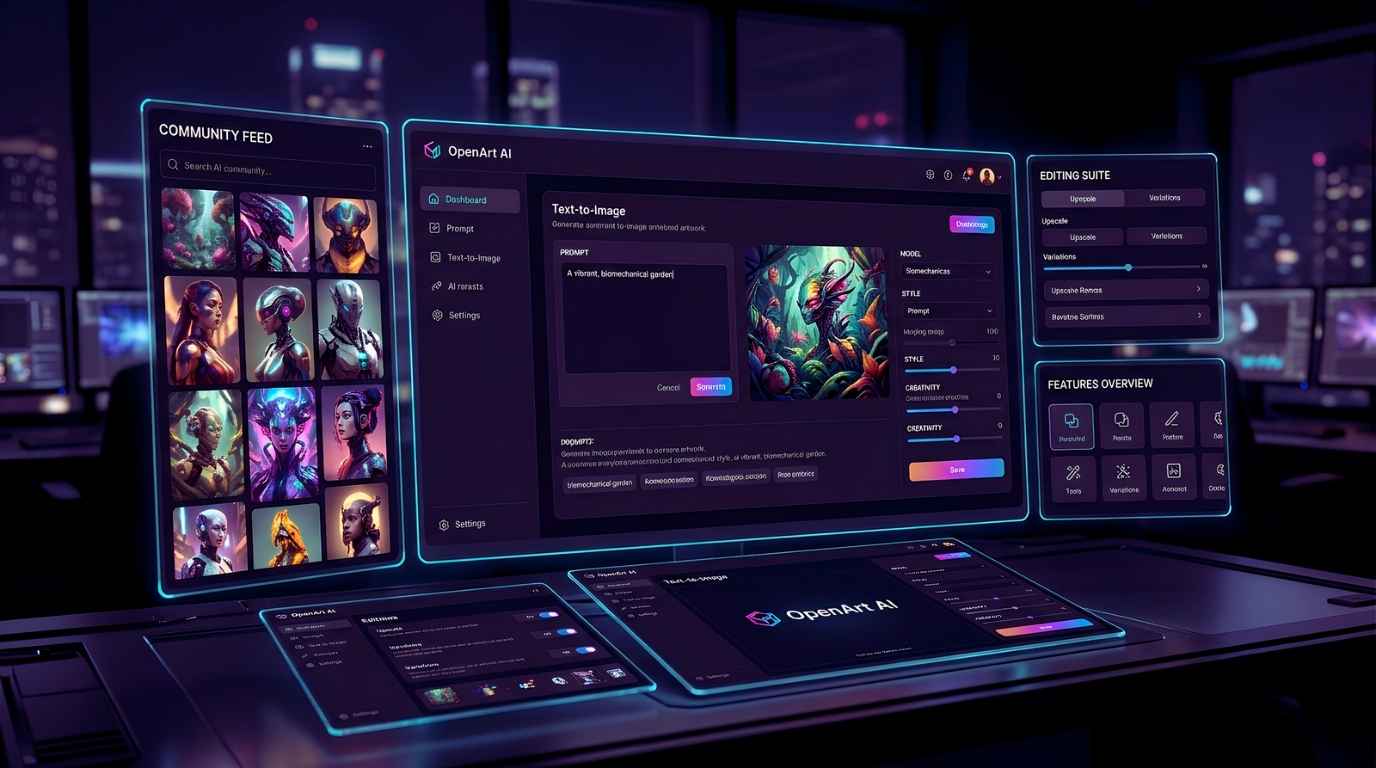
OpenArt AI offers a generally intuitive user interface, designed to be accessible to newcomers while providing depth for experienced users. The layout is clean, with clear sections for prompt input, parameter adjustments, and image output. Navigating between different generation modes (text-to-image, image-to-image) is straightforward.
While the sheer number of options can be overwhelming initially, the platform provides helpful tooltips and guides. The ability to quickly iterate on prompts and see results is a significant plus for the creative workflow.
Pricing and Accessibility
OpenArt AI typically operates on a credit-based system. Users can purchase credits, which are then used for image generations, with more complex operations or higher resolutions consuming more credits. This model is common in the AI art space and allows for flexible usage. Free tiers or trial periods are often available, letting users explore the platform before committing.
Pros and Cons
Pros:
- Versatility: Offers a wide range of generation and editing tools beyond simple text-to-image.
- Control: Provides significant control over the generation process for refined results.
- User-Friendly Interface: Generally easy to learn and use, with good community support.
- Inspiration Hub: A strong community and gallery offer abundant creative ideas.
- Advanced Features: Inpainting, outpainting, and image-to-image transformations add immense creative power.
Cons:
- Credit System: Can become costly for heavy users.
- Learning Curve: Mastering all advanced features may require time and experimentation.
- AI Limitations: Like all AI art generators, results can sometimes be unpredictable or require extensive prompt refinement.
Conclusion
OpenArt AI stands out as a comprehensive and powerful platform in the AI art generation space. Its blend of accessible text-to-image capabilities with advanced editing tools like inpainting and image-to-image transformations makes it a compelling choice for a wide spectrum of users. Whether you’re a hobbyist looking to explore your creativity or a professional seeking to streamline your design workflow, OpenArt AI offers the tools and flexibility to unlock new artistic possibilities. As the technology continues to evolve, platforms like OpenArt AI are leading the charge in shaping the future of digital art and creative expression.